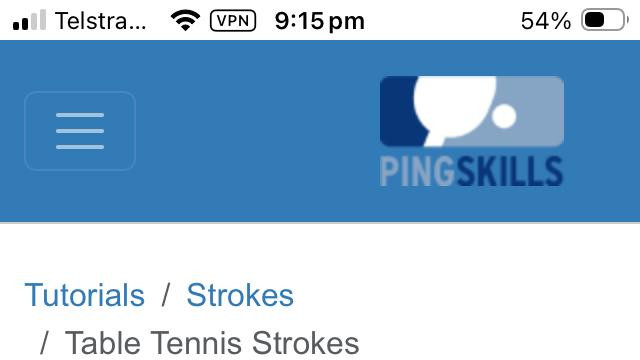
We have been working hard behind the scenes on improving your PingSkills experience, and we are excited to share the latest update. PingSkills is now a Progressive Web App (PWA)!
What does that mean for you?
A PWA means you can now install PingSkills directly on your phone or tablet, just like a native app, without going through the App Store or Google Play.
Here is what you get:
- Install it on your home screen - tap the install prompt in your browser and PingSkills appears on your home screen, ready to launch with one tap
- Faster loading - the app caches key content so pages load quicker, even on slower connections
- A more app-like experience - no browser chrome getting in the way, just PingSkills full screen
How to install it
On iPhone or iPad: open PingSkills in Safari, tap the Share button, then tap "Add to Home Screen".
On Android: open PingSkills in Chrome, tap the three dots menu, and tap "Add to Home Screen" (or look for the install prompt that appears automatically).
On desktop: look for the install icon in your browser address bar.
We hope this makes it even easier to squeeze in a bit of table tennis learning wherever you are. Give it a try and let us know what you think in the comments below!
Start the conversation
No comments yet. Share your thoughts on this article.